Computer monitor on a clean desk showing a dark screen with one tiny black dot near the center

How to Fix Dead Pixels on Monitor (Before You Void Your Warranty)

First, wipe your screen with a soft cloth. That odd dot might just be dust. Next, run a full-screen color test (black, white, red, green, blue) to see the dot clearly. If it’s a colored dot that shows up on every color, it’s likely “stuck” and a pixel-fixing tool may help. If it’s a black […]

Continue Reading
Desktop PC with glowing power light beside a monitor and a small static spark near its edge

Why When I Shock My Monitor My PC Turns On (And 4 Ways to Fix It)

Your PC is never fully off while it’s plugged in. A hidden part of it stays powered, waiting for a signal to start up, like a doorbell waiting to be pressed. A static shock sends a tiny jolt of extra voltage into that circuit. The PC reads this jolt as someone pressing the power button, […]

Continue Reading
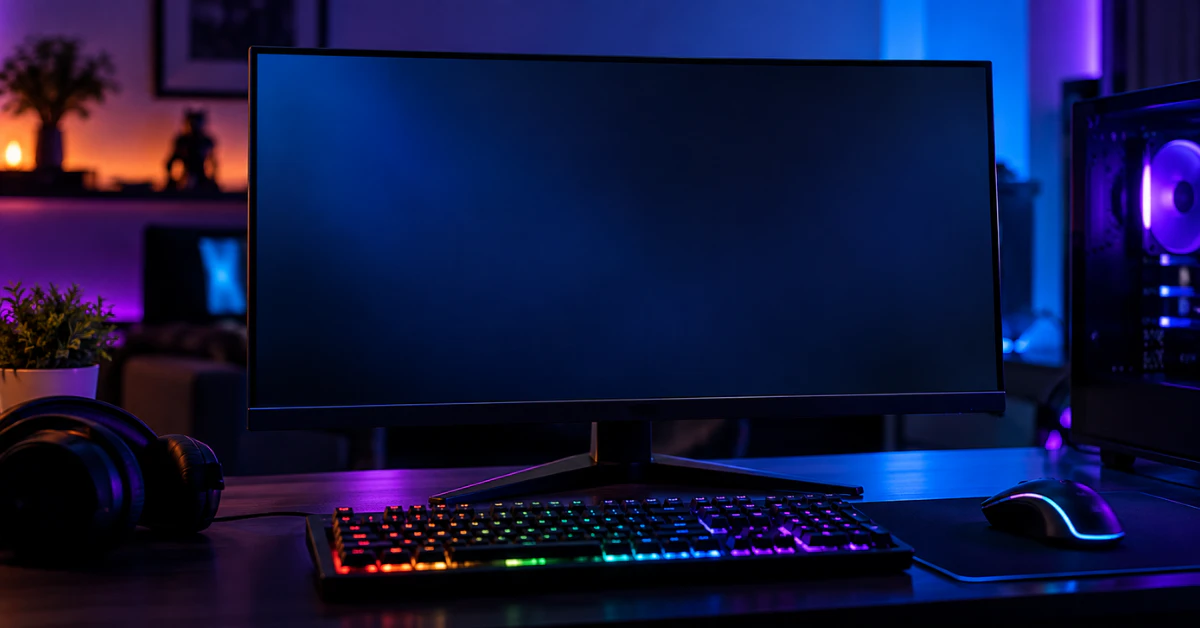
Black gaming monitor with a blank screen on a desk with an RGB keyboard and mouse in a dim room

How to Fix LG UltraGear Monitor Not Detected or No Signal (The Complete Guide)

Your LG UltraGear monitor is most likely not working for one of three reasons: the wrong input is selected, the video cable is loose or doesn’t match your setup, or your PC has stopped responding. Start here: press the joystick or button under your monitor to open the menu, go to Input, and pick the […]

Continue Reading
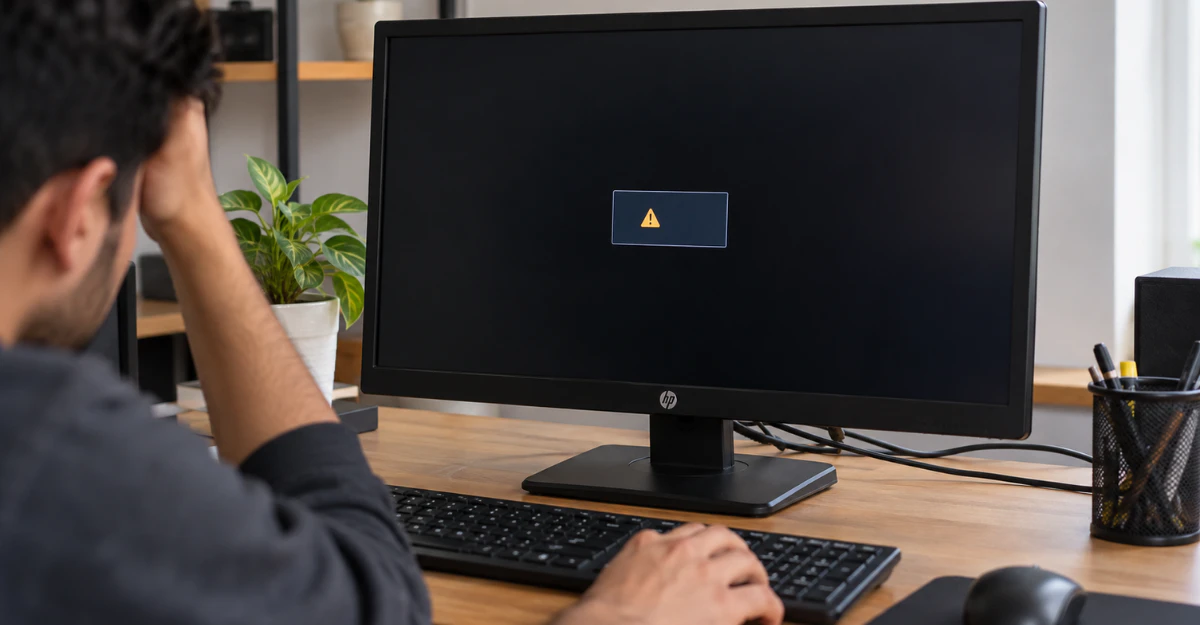
HP monitor showing a black screen with an input signal out of range error on a home office desk

Input Signal Out of Range Monitor HP: How to Fix It Fast on Windows 11 & 10 (Without Pressing F8) 

Input Signal Out of Range” means your PC is sending your HP monitor a resolution or refresh rate the screen can’t handle. Two fast fixes: unplug the monitor’s power cord for 5 seconds, then plug it back in. If that doesn’t work, go to your Windows sign-in screen, hold Shift, and click Restart. This opens […]

Continue Reading
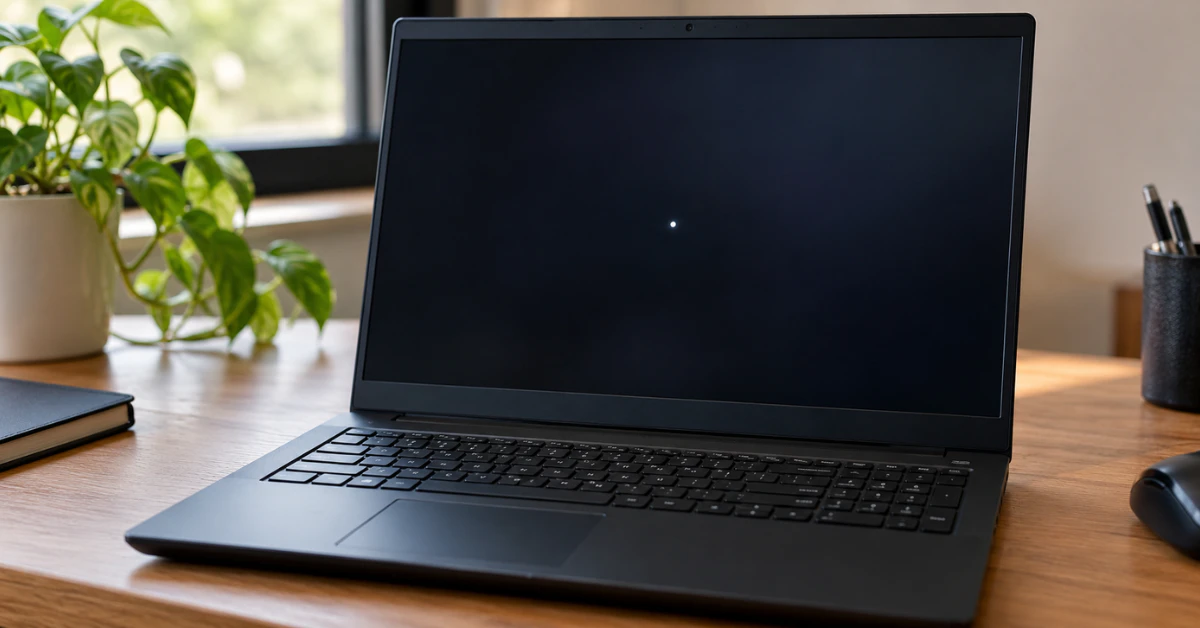
Black Lenovo laptop on a wooden desk with a small bright white spot on the dark screen

The Complete Guide to Fixing a White Spot on Your Lenovo Laptop Screen

A white spot on your Lenovo laptop screen is usually one of five things: a stuck pixel, a small patch of backlight bleed, dust trapped under the panel, pressure damage, or a loose display cable. Good news first. If it is a stuck pixel, you can often fix it at home in minutes using free […]

Continue Reading