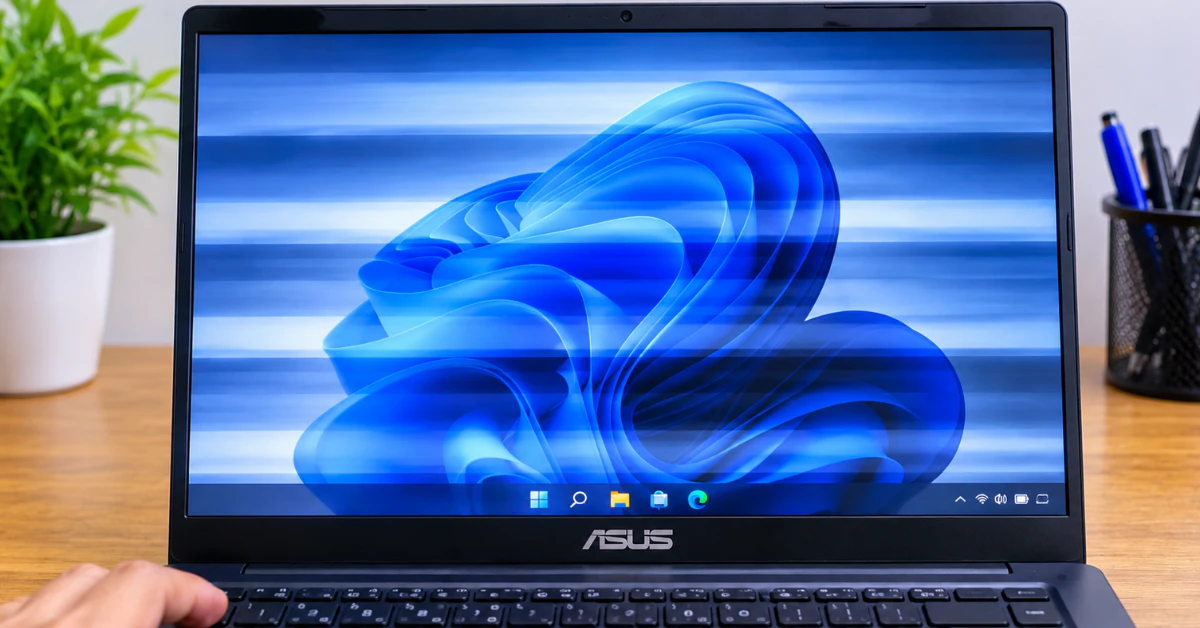
Laptop screen showing horizontal lines and display distortion

How I Fixed My Asus Laptop Screen Blinking (And How You Can Too Without Spending a Dime)

If your ASUS laptop screen is blinking right now, press Win + Ctrl + Shift + B together. This restarts the graphics driver without restarting your laptop. The screen may go dark for a second and beep. It is the first thing I try. Still blinking? Jump to the triage table below. What Kind of […]

Continue Reading
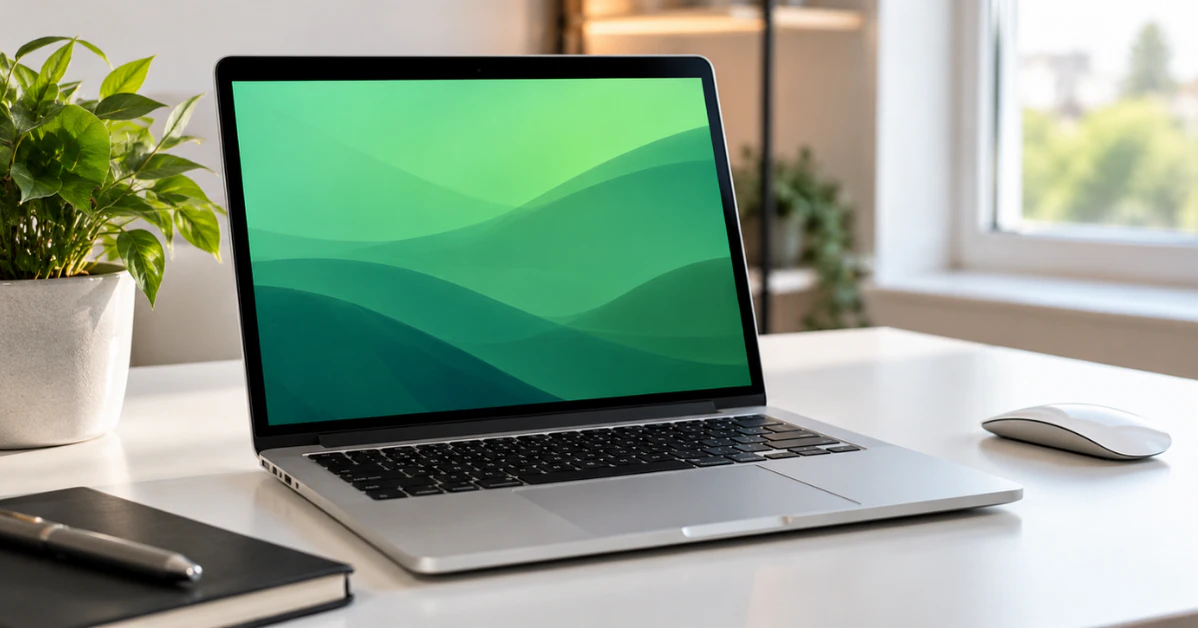
Silver laptop on a white desk with a green color tint across its screen

How to Fix Mac Screen Green Tint: Step-by-Step Diagnostic & Repair Guide

A green tint on your Mac screen almost always comes from one of two places. The first is a software setting, often harmless and easy to turn off, like True Tone or the new “Tinted” Liquid Glass look in macOS Tahoe 26.1. The second is a hardware problem inside the display itself. If the green […]

Continue Reading
Acer laptop monitor flickering, laptop screen showing glitch lines on a desk

How to Fix Acer Laptop Monitor Flickering (Before Paying for Repairs)

Acer laptop monitor flickering often has a fast fix you can try right now. Press Windows key + Ctrl + Shift + B at the same time. Your screen will go black for a second, you may hear a beep, and the screen will flash. This is Microsoft’s own built-in trick for resetting your graphics […]

Continue Reading
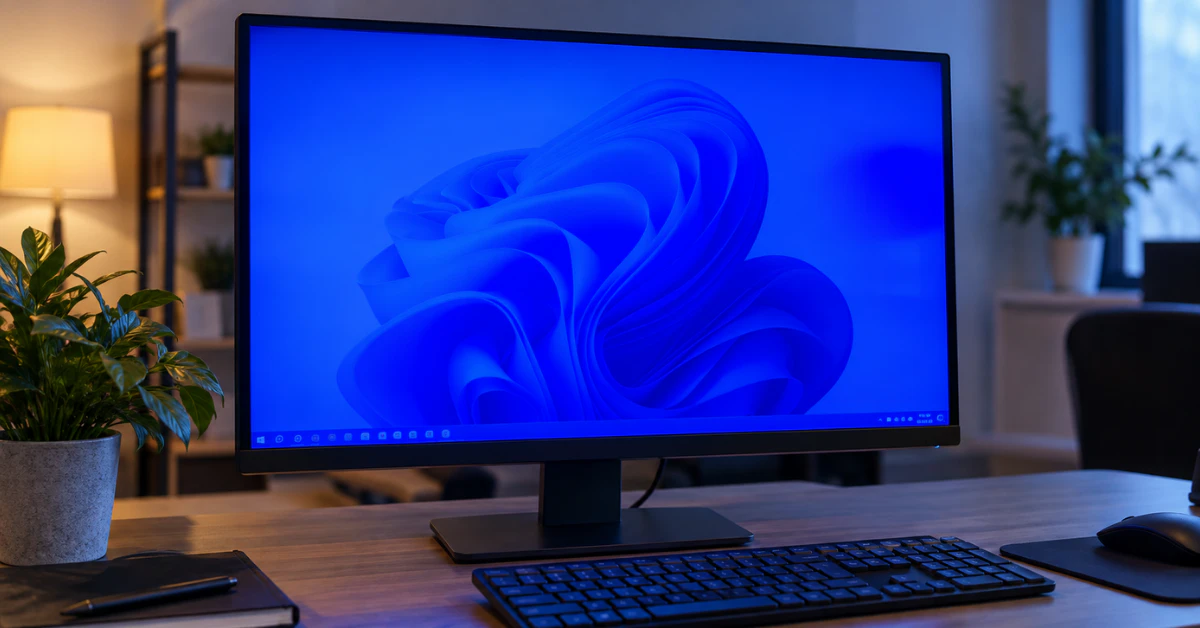
Computer monitor on a desk showing a blue color tint across the screen

How to Fix a Blue Tint on Your Monitor (Windows 10 & 11 Diagnostic Guide)

A blue tint on your screen is almost never a sign your monitor is dying. In most cases, it comes down to one of three things: your graphics card sending the wrong color range over HDMI, Windows HDR settings acting up, or a color profile that got corrupted. Here’s how to find the real cause […]

Continue Reading
Desktop computer monitor showing a blue color tint on a clean desk

Monitor Blue Color Problem? Don’t Replace Your Screen Until You Try These 7 Free Fixes

Most monitor blue color problems come from settings, not a dying screen. First, reseat or swap your video cable. Next, check Settings → System → Display → Night light to see if it’s stuck on. Then switch Nvidia or AMD’s HDMI color format back to Full RGB. Still blue? Reset your ICC color profile or […]

Continue Reading
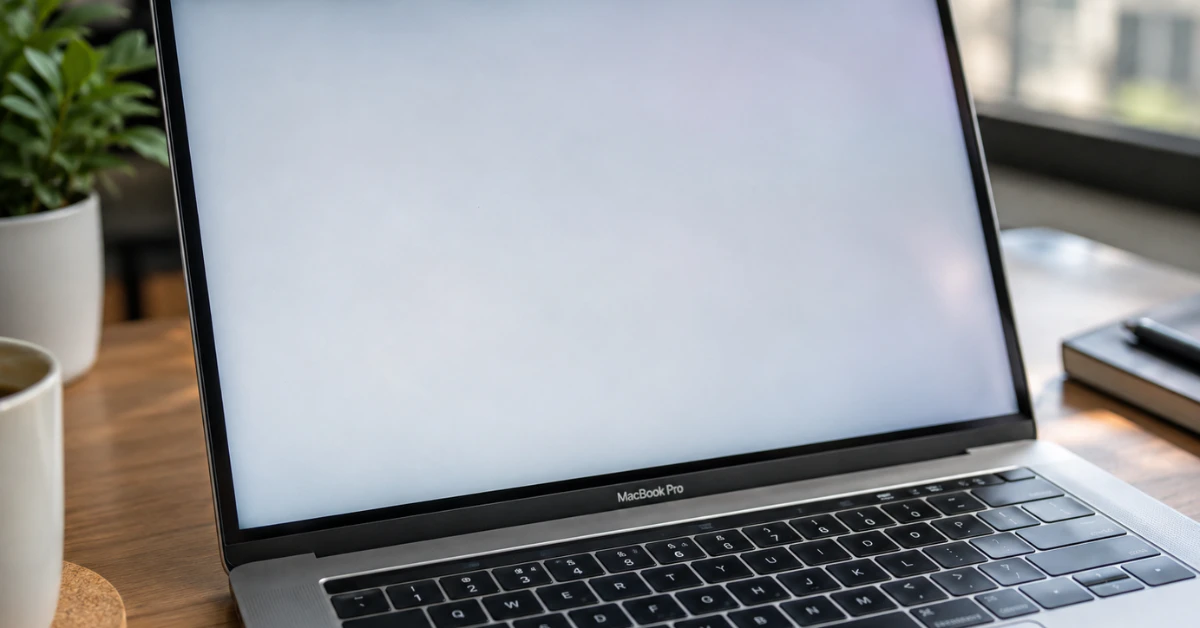
MacBook screen showing white tint issue

MacBook Screen White Tint? The Ultimate $0 Fix & Brutal Truth 

Your MacBook screen looks pale, washed out, or almost white? Start by checking True Tone and Night Shift in System Settings, since those are the most common causes of macbook screen white tint. If turning them off doesn’t help, restart into Safe Mode to rule out a software conflict before assuming the display itself is […]

Continue Reading