
- How I Fixed My Asus Laptop Screen Blinking (And How You Can Too Without Spending a Dime)
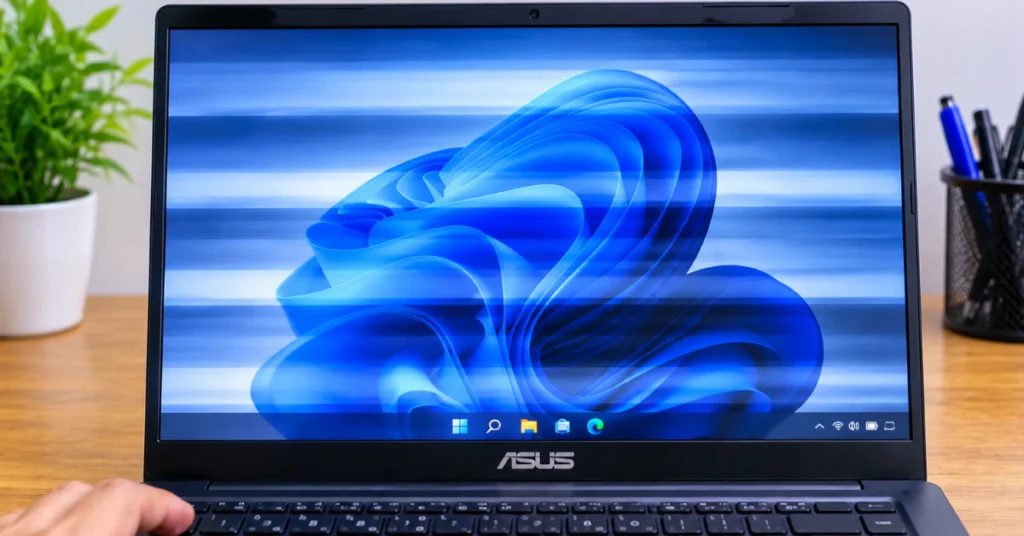 If your ASUS laptop screen is blinking right now, press Win + Ctrl + Shift + B together. This restarts the graphics driver without restarting… Read more: How I Fixed My Asus Laptop Screen Blinking (And How You Can Too Without Spending a Dime)
- How to Fix Red Lines on a PC Screen (Software vs Hardware Test)
 Red lines on a PC screen usually come from one of three things: a software glitch, a loose or bad cable, or a failing part… Read more: How to Fix Red Lines on a PC Screen (Software vs Hardware Test)
- How to Fix a Black Screen and White Line (Before You Pay for a Repair)
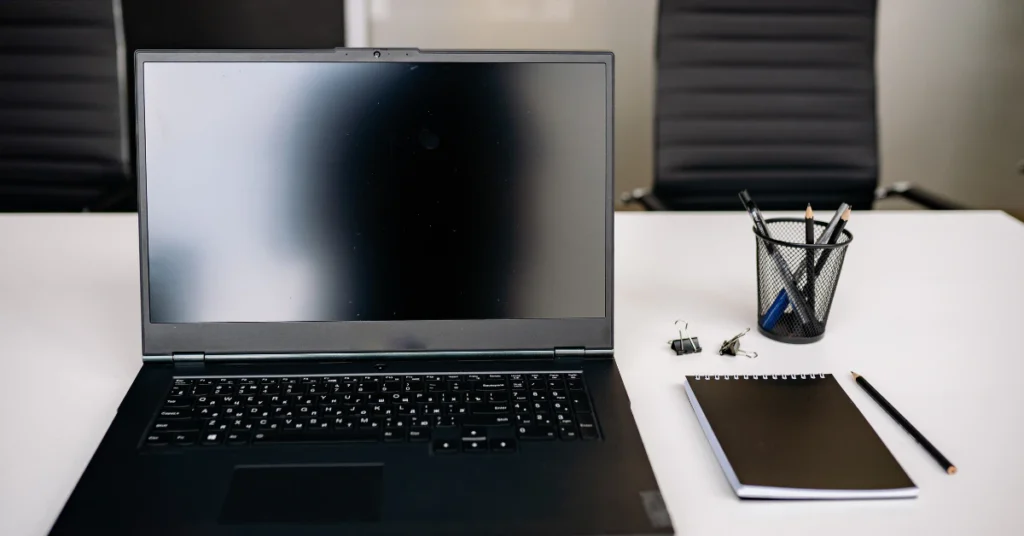 A black screen and white line on a Windows laptop can mean the display signal is stuck. Press Win + Ctrl + Shift + B… Read more: How to Fix a Black Screen and White Line (Before You Pay for a Repair)
- Surface Book 2 Yellow Spots: The Real Cause & What to Do Next
 Yellow spots along the edges of a Surface Book 2 screen are usually a hardware problem, not a software bug. Heat or pressure from an… Read more: Surface Book 2 Yellow Spots: The Real Cause & What to Do Next
- How to Safely Fix an iPad Lit Black Screen After Update (Without Losing Your Data)
 If your iPad screen is lit but black right after an update, wait first. The update may still be running, and that can take anywhere… Read more: How to Safely Fix an iPad Lit Black Screen After Update (Without Losing Your Data)
- Pressure Marks on Monitor: Can You Fix Them or Is It Ruined?
 Pressure marks on a monitor are bright or dark blotches caused by physical stress on the screen’s inner layers. They are almost always permanent, and… Read more: Pressure Marks on Monitor: Can You Fix Them or Is It Ruined?
- How to Fix Mac Screen Green Tint: Step-by-Step Diagnostic & Repair Guide
 A green tint on your Mac screen almost always comes from one of two places. The first is a software setting, often harmless and easy… Read more: How to Fix Mac Screen Green Tint: Step-by-Step Diagnostic & Repair Guide
- LCD Monitor White Lines: Diagnostic Guide & Step-by-Step Fixes
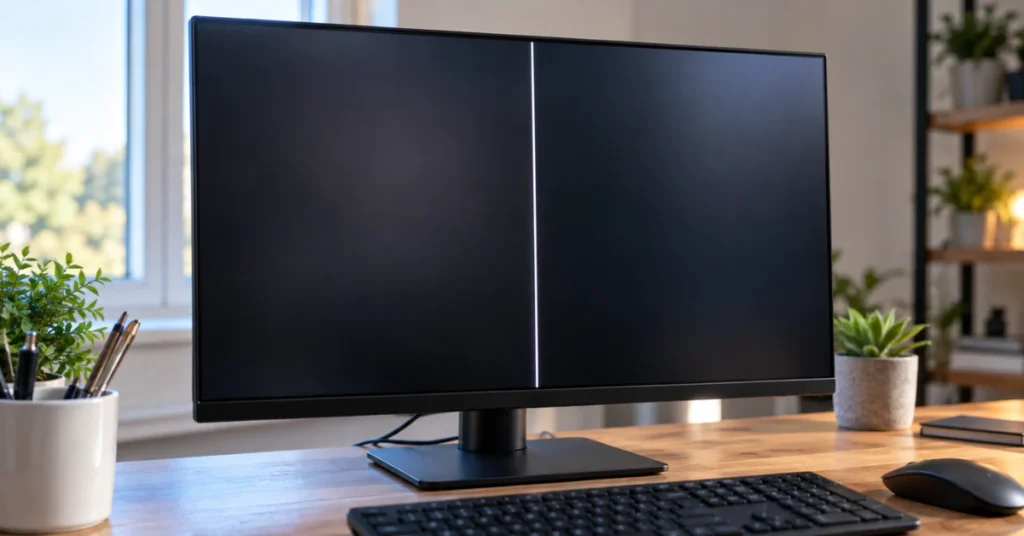 Here’s the fastest way to find out what’s wrong. Unplug the video cable (HDMI or DisplayPort) from your computer, but leave the monitor turned on.… Read more: LCD Monitor White Lines: Diagnostic Guide & Step-by-Step Fixes
- Black Spots on Display: The 10-Second Diagnostic Test (And How to Fix It Without Getting Ripped Off)
 A black spot on your display is usually one of three things: physical pressure damage inside the screen, a dead or stuck pixel, or a… Read more: Black Spots on Display: The 10-Second Diagnostic Test (And How to Fix It Without Getting Ripped Off)
- How to Fix Dead Pixels on Monitor (Before You Void Your Warranty)
 First, wipe your screen with a soft cloth. That odd dot might just be dust. Next, run a full-screen color test (black, white, red, green,… Read more: How to Fix Dead Pixels on Monitor (Before You Void Your Warranty)
- How to Reset Screen Time Passcode on iPhone, iPad, or Mac (When Nothing Else Works)
 If you forgot your Screen Time passcode, here is the fastest fix. Open Settings, tap Screen Time, then tap Manage Screen Time. Tap Change Screen… Read more: How to Reset Screen Time Passcode on iPhone, iPad, or Mac (When Nothing Else Works)
- Pressure Marks on Laptop Screen: How to Test White or Black Spots, Avoid DIY Traps & Decide Whether to Repair
 Pressure marks on a laptop screen happen when physical force squeezes the inside of the display and knocks its liquid crystals out of alignment. It… Read more: Pressure Marks on Laptop Screen: How to Test White or Black Spots, Avoid DIY Traps & Decide Whether to Repair
- How to Fix Acer Laptop Monitor Flickering (Before Paying for Repairs)
 Acer laptop monitor flickering often has a fast fix you can try right now. Press Windows key + Ctrl + Shift + B at the… Read more: How to Fix Acer Laptop Monitor Flickering (Before Paying for Repairs)
- Why Does My Mac Screen Have Lines? (And How to Fix It Fast)
 Lines on your Mac screen are usually caused by one of two things: a small software or graphics glitch, or a hardware problem like a… Read more: Why Does My Mac Screen Have Lines? (And How to Fix It Fast)
- How to Fix White Spots on Mobile Screen (Before You Pay for Repairs)
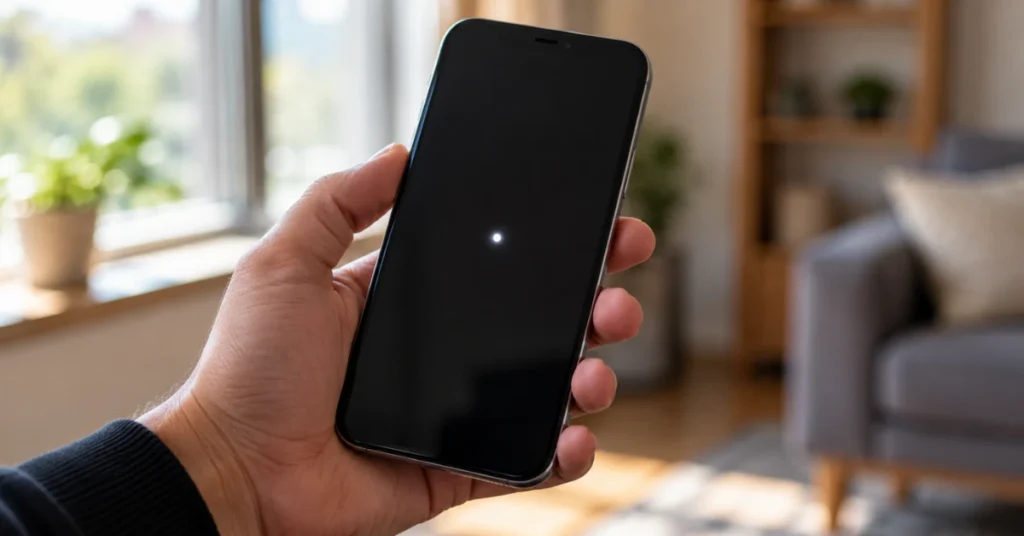 A white spot on your phone screen is usually one of two things: a software dot you can turn off in seconds, or a hardware… Read more: How to Fix White Spots on Mobile Screen (Before You Pay for Repairs)
- Why When I Shock My Monitor My PC Turns On (And 4 Ways to Fix It)
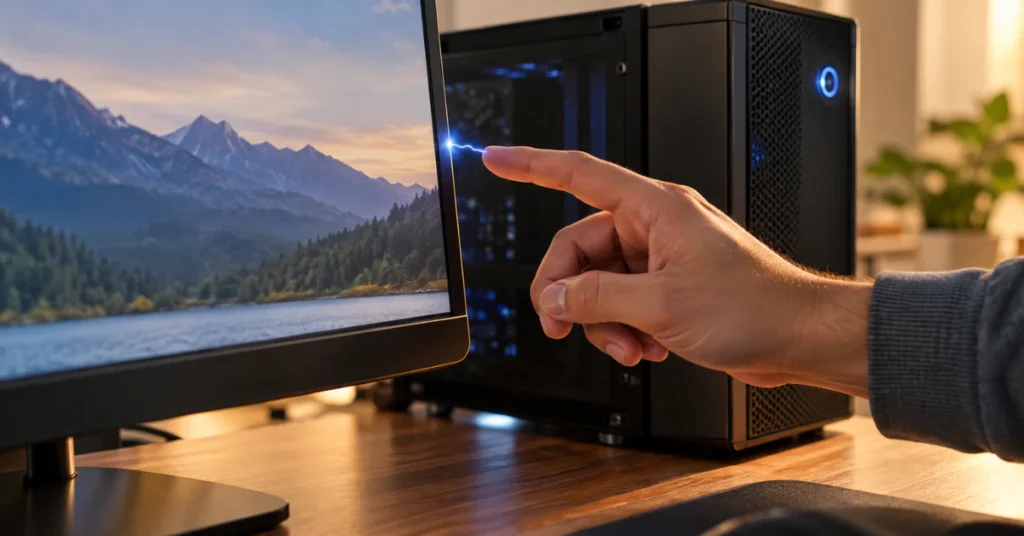 Your PC is never fully off while it’s plugged in. A hidden part of it stays powered, waiting for a signal to start up, like… Read more: Why When I Shock My Monitor My PC Turns On (And 4 Ways to Fix It)
- Chromebook Stuck on Chrome Screen? Step-by-Step Fixes (Without Losing Your Data)
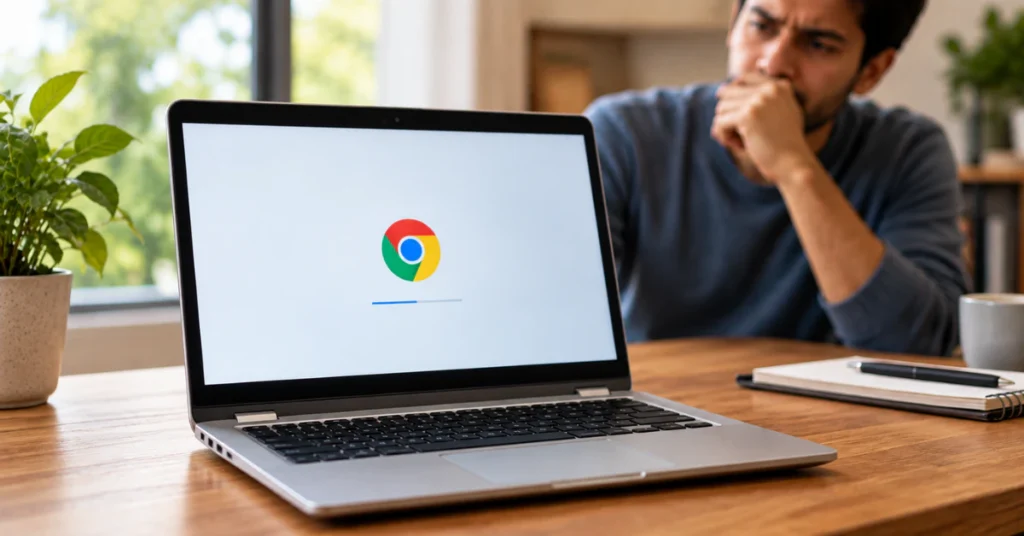 Your Chromebook is stuck, but don’t worry. Your files are safe for now, and this is usually easy to fix. Try a hard reset first.… Read more: Chromebook Stuck on Chrome Screen? Step-by-Step Fixes (Without Losing Your Data)
- The Ultimate 2026 Guide to Fixing Surface Pro 4 Screen Ghosting
 “Ghosting” on a Surface Pro 4 actually means one of two different problems. It could be phantom touches, where the screen clicks or taps on… Read more: The Ultimate 2026 Guide to Fixing Surface Pro 4 Screen Ghosting
- How to Fix a Blue Tint on Your Monitor (Windows 10 & 11 Diagnostic Guide)
 A blue tint on your screen is almost never a sign your monitor is dying. In most cases, it comes down to one of three… Read more: How to Fix a Blue Tint on Your Monitor (Windows 10 & 11 Diagnostic Guide)
- How to Fix Flickering Horizontal Lines on a Laptop Screen (The 60-Second Diagnostic Guide)
 Seeing flickering horizontal lines on your laptop screen? Press Windows key + Ctrl + Shift + B right now. Your screen will blink and you’ll… Read more: How to Fix Flickering Horizontal Lines on a Laptop Screen (The 60-Second Diagnostic Guide)
- Orange Spot on MacBook Screen? The 2026 Diagnostic & Fix Guide
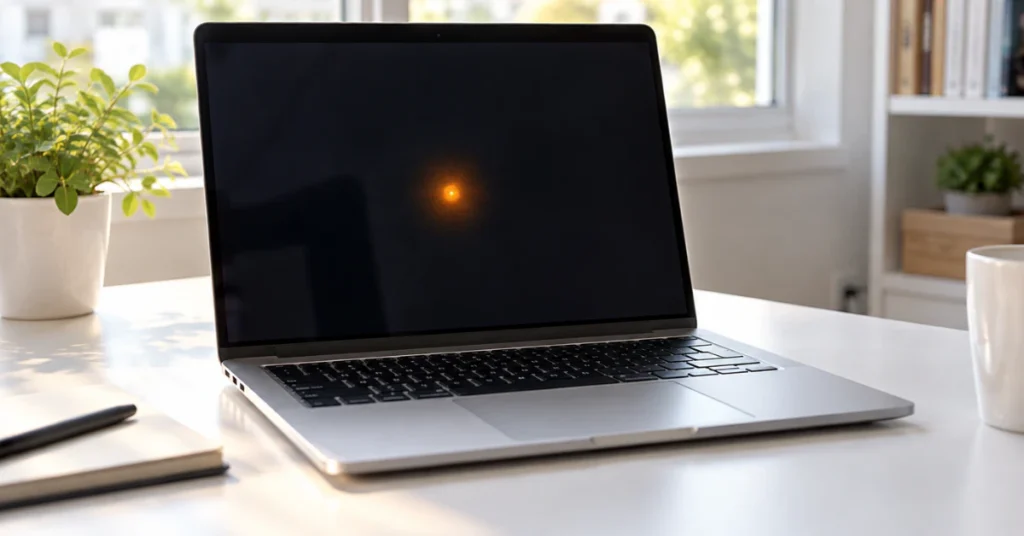 Seeing an orange mark on your MacBook screen can feel scary, but take a breath first. Not every orange dot on MacBook screen displays means… Read more: Orange Spot on MacBook Screen? The 2026 Diagnostic & Fix Guide
- How to Fix LG UltraGear Monitor Not Detected or No Signal (The Complete Guide)
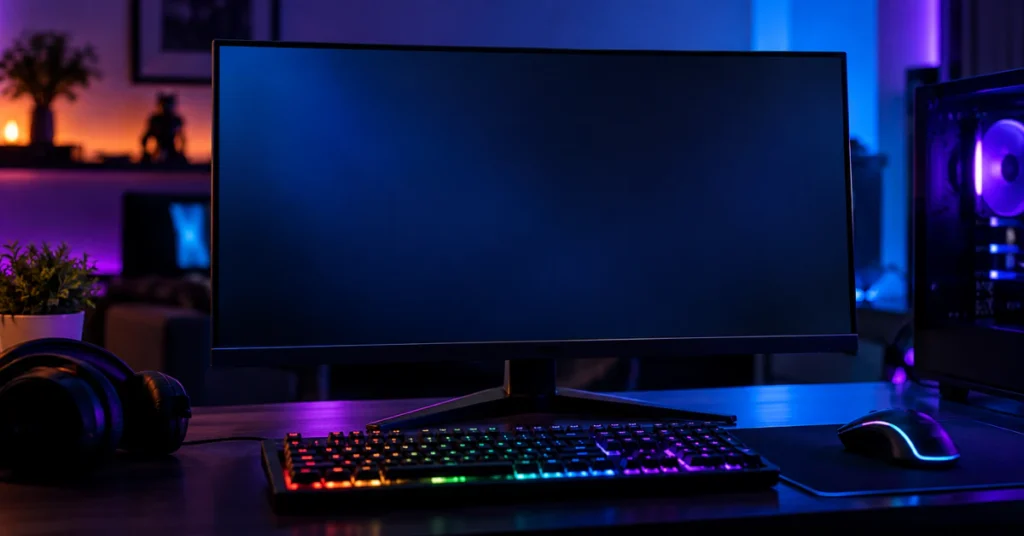 Your LG UltraGear monitor is most likely not working for one of three reasons: the wrong input is selected, the video cable is loose or… Read more: How to Fix LG UltraGear Monitor Not Detected or No Signal (The Complete Guide)
- How to Fix a Laptop Stuck on a Black Screen (Even if it Won’t Turn Off)
 Before you do anything else, try these two shortcuts. They fix a black screen more often than you’d think. First, press Windows + Ctrl +… Read more: How to Fix a Laptop Stuck on a Black Screen (Even if it Won’t Turn Off)
- MacBook Screen Pressure Damage: Diagnosis, Repair Costs & The 0.1mm Rule
 MacBook screen pressure damage happens when something squeezes or presses the display hard enough to crack or bruise it from the inside. You’ll see a… Read more: MacBook Screen Pressure Damage: Diagnosis, Repair Costs & The 0.1mm Rule
- Monitor Blue Color Problem? Don’t Replace Your Screen Until You Try These 7 Free Fixes
 Most monitor blue color problems come from settings, not a dying screen. First, reseat or swap your video cable. Next, check Settings → System →… Read more: Monitor Blue Color Problem? Don’t Replace Your Screen Until You Try These 7 Free Fixes
- Vertical Lines on Your Computer Monitor? Try This 5-Minute Diagnostic & Fix Guide Before Buying a New Screen
 Push both ends of your video cable in firmly first. Still there? Unplug the video cable from the back of the monitor, but leave the… Read more: Vertical Lines on Your Computer Monitor? Try This 5-Minute Diagnostic & Fix Guide Before Buying a New Screen
- Shadow on Computer Monitor? 6 Proven Fixes to Clear Your Screen for $0 (Before You Replace It)
 Most of the time, a shadow on your monitor comes from a loose or cheap video cable (old VGA cords are the worst offender) or… Read more: Shadow on Computer Monitor? 6 Proven Fixes to Clear Your Screen for $0 (Before You Replace It)
- Input Signal Out of Range Monitor HP: How to Fix It Fast on Windows 11 & 10 (Without Pressing F8)
 Input Signal Out of Range” means your PC is sending your HP monitor a resolution or refresh rate the screen can’t handle. Two fast fixes:… Read more: Input Signal Out of Range Monitor HP: How to Fix It Fast on Windows 11 & 10 (Without Pressing F8)
- How to Fix an Acer Laptop Screen That’s Not Working (Before You Pay for Repairs)
 A dark, unresponsive laptop screen feels like bad news. Take a breath first. In most cases, your Acer laptop is not broken. “Screen not working”… Read more: How to Fix an Acer Laptop Screen That’s Not Working (Before You Pay for Repairs)
- MacBook Pro Screen Burn Marks: How to Tell if It’s Ruined (and How to Fix It)
 In most cases, a MacBook Pro screen burn mark is not permanent damage. It’s called image persistence, a temporary ghost image left by something that… Read more: MacBook Pro Screen Burn Marks: How to Tell if It’s Ruined (and How to Fix It)
- The Ultimate Diagnostic Guide to Fixing a Green Laptop Screen
 A green tint across your whole screen is usually caused by your graphics driver, and it’s the easiest problem to fix. Green lines or patches… Read more: The Ultimate Diagnostic Guide to Fixing a Green Laptop Screen
- How to Fix a Black Line on a Mac Screen (Before Paying for Repair)
 A black line on your Mac screen almost always comes from one of two places: the display hardware itself, or something happening in software or… Read more: How to Fix a Black Line on a Mac Screen (Before Paying for Repair)
- The Ultimate Guide to iPad White Spots: Real Causes, Myths, and Safest Fixes
 A bright or white spot on your iPad screen can be worrying, especially if it shows up out of nowhere. The good news is you… Read more: The Ultimate Guide to iPad White Spots: Real Causes, Myths, and Safest Fixes
- The Complete Guide to Fixing a White Spot on Your Lenovo Laptop Screen
 A white spot on your Lenovo laptop screen is usually one of five things: a stuck pixel, a small patch of backlight bleed, dust trapped… Read more: The Complete Guide to Fixing a White Spot on Your Lenovo Laptop Screen
- Monitor Half Screen Black? 7 Tested Fixes Before You Replace It
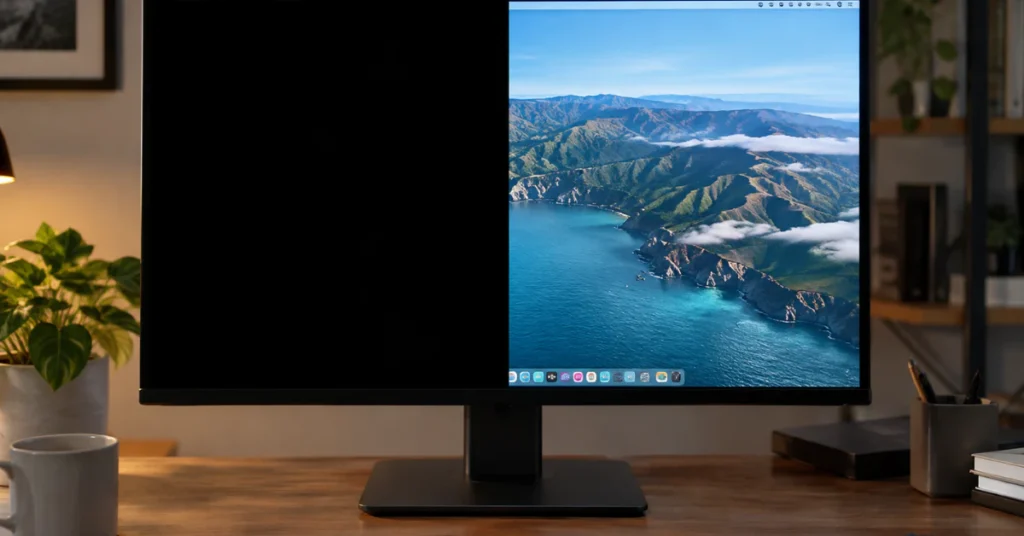 Half your screen just went black, and you need it fixed now. Here is the fastest thing to try first. On a Windows computer, press… Read more: Monitor Half Screen Black? 7 Tested Fixes Before You Replace It
- MacBook Pro Screen Heat Damage: An LCD Mechanic’s Guide to Signs, Causes & Fixes
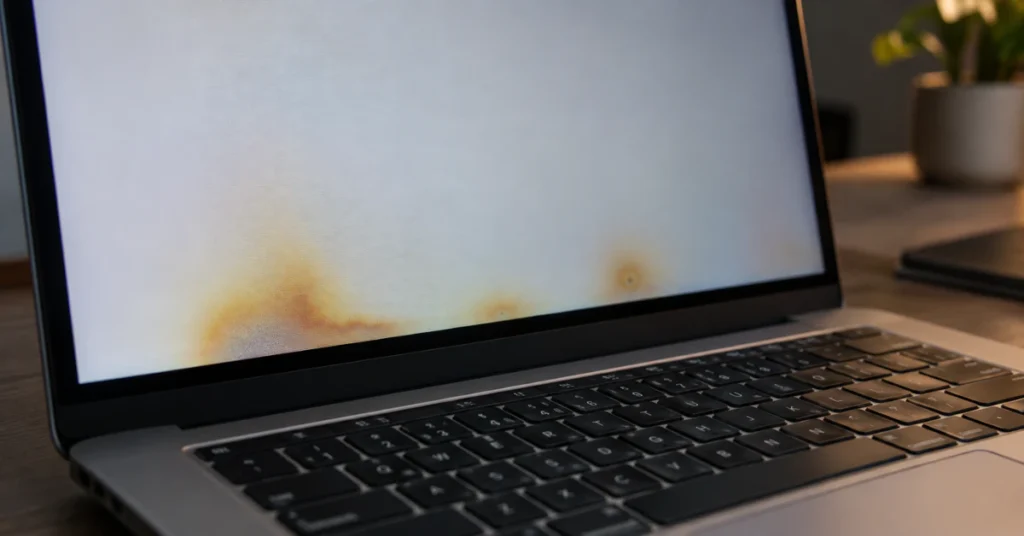 Heat damage on a MacBook Pro screen usually shows up as yellow blotches, dark smudges, or faint vertical lines that won’t wipe off. In most… Read more: MacBook Pro Screen Heat Damage: An LCD Mechanic’s Guide to Signs, Causes & Fixes
- MacBook Screen White Tint? The Ultimate $0 Fix & Brutal Truth
 Your MacBook screen looks pale, washed out, or almost white? Start by checking True Tone and Night Shift in System Settings, since those are the… Read more: MacBook Screen White Tint? The Ultimate $0 Fix & Brutal Truth
- How to Fix White Horizontal Lines on Your Phone Screen (Android & iPhone)
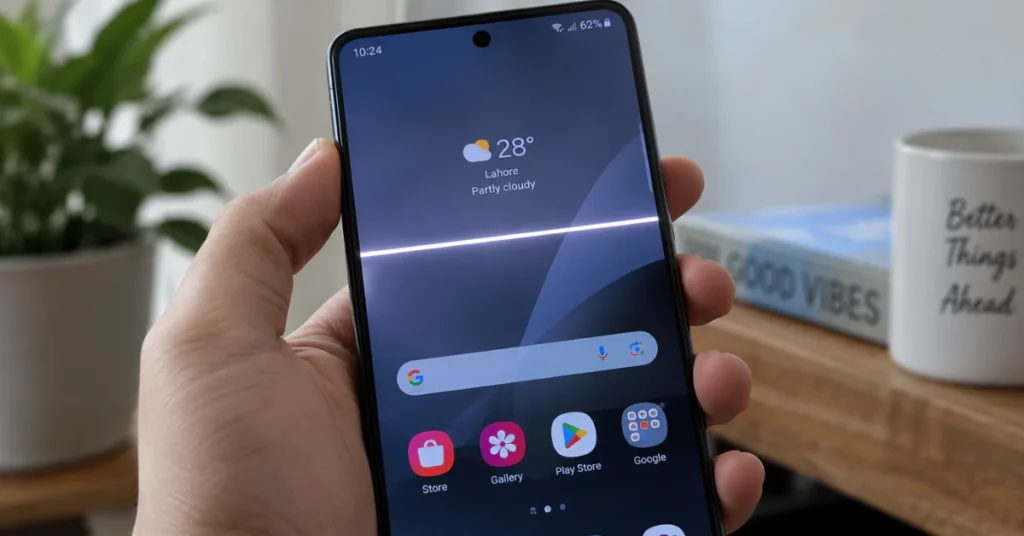 A white line just showed up on your screen, and you are probably staring at it right now, panicking. Take a breath. White horizontal lines… Read more: How to Fix White Horizontal Lines on Your Phone Screen (Android & iPhone)
- White Spots on LCD Screen: The Real Causes & How to Fix Them (2026 Guide)
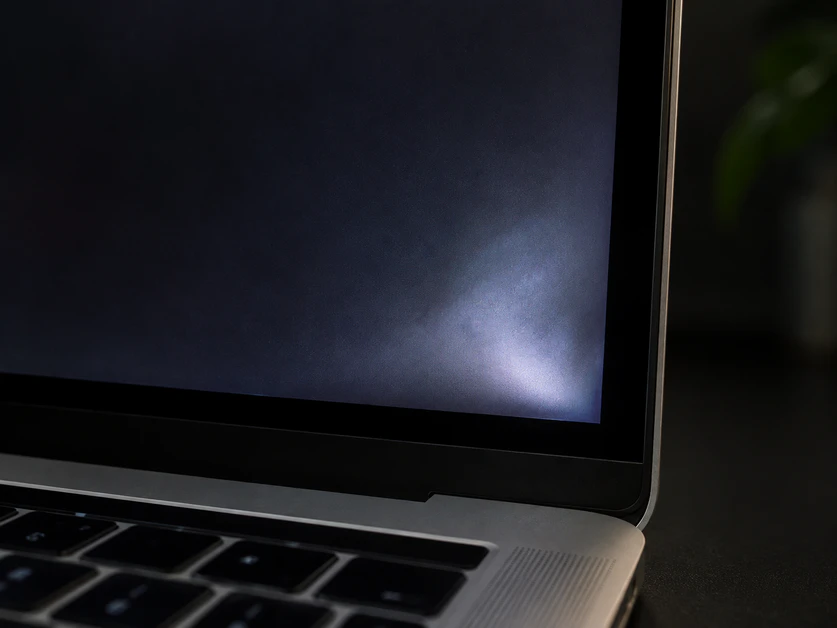 Those white spots on your LCD screen are not a virus or software glitch. They are a hardware problem inside your screen’s backlight layer. The… Read more: White Spots on LCD Screen: The Real Causes & How to Fix Them (2026 Guide)
Monday, November 09, 2026