Computer monitor on a wooden desk showing a dark cloudy pressure mark on a light gray screen

Pressure Marks on Monitor: Can You Fix Them or Is It Ruined?

Pressure marks on a monitor are bright or dark blotches caused by physical stress on the screen’s inner layers. They are almost always permanent, and no app or setting can fix them. First, rule out a smudge by gently cleaning the screen as your maker advises. If the mark stays, it is likely real damage. […]

Continue Reading
Open laptop on a wooden desk with a cloudy bright pressure mark on the screen

Pressure Marks on Laptop Screen: How to Test White or Black Spots, Avoid DIY Traps & Decide Whether to Repair

Pressure marks on a laptop screen happen when physical force squeezes the inside of the display and knocks its liquid crystals out of alignment. It is not dirt, so wipe the screen first to rule that out. If the mark stays after cleaning, it is internal damage, and the only real fixes are a screen […]

Continue Reading
Detachable tablet on a desk with a doubled, shifted image on the screen showing display ghosting

The Ultimate 2026 Guide to Fixing Surface Pro 4 Screen Ghosting

“Ghosting” on a Surface Pro 4 actually means one of two different problems. It could be phantom touches, where the screen clicks or taps on its own. Or it could be a visual scramble, where the image shakes, doubles, or looks fuzzy. These two problems need different fixes. Here’s the fastest way to tell which […]

Continue Reading
Laptop screen with a dark bruise-like blotch and colored lines, MacBook screen pressure damage

MacBook Screen Pressure Damage: Diagnosis, Repair Costs & The 0.1mm Rule

MacBook screen pressure damage happens when something squeezes or presses the display hard enough to crack or bruise it from the inside. You’ll see a dark blotch, colored lines, or a bright spot that stays put no matter what’s on the screen. It’s physical damage, not a software glitch, so no update or restart will […]

Continue Reading
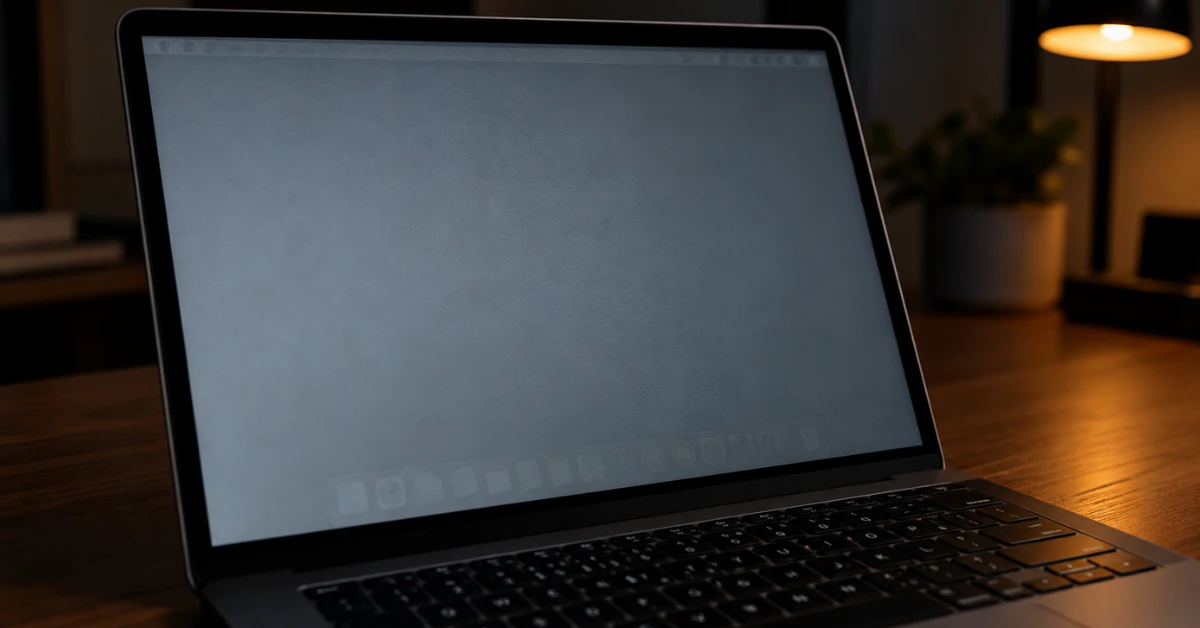
MacBook Pro screen showing a faint ghost image of the menu bar and Dock on a gray background

MacBook Pro Screen Burn Marks: How to Tell if It’s Ruined (and How to Fix It)

In most cases, a MacBook Pro screen burn mark is not permanent damage. It’s called image persistence, a temporary ghost image left by something that stayed on the screen too long. The fix is simple: turn the display off completely and let it rest overnight. Most marks fade within a few hours. Here’s the exact […]

Continue Reading
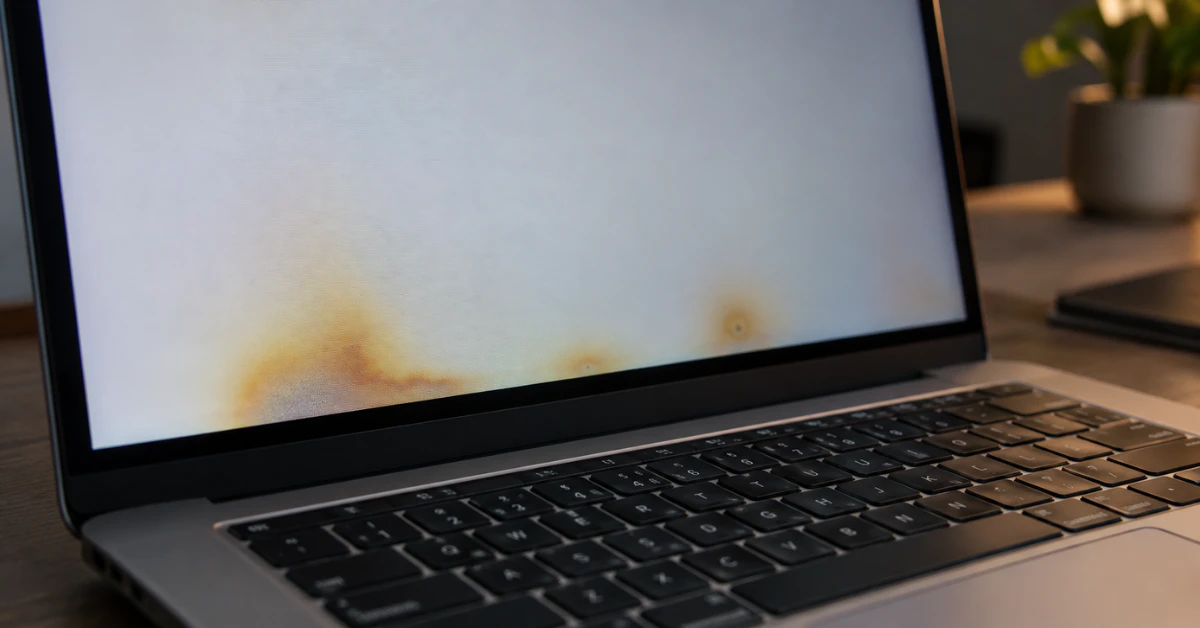
MacBook Pro screen showing yellow heat damage blotches

MacBook Pro Screen Heat Damage: An LCD Mechanic’s Guide to Signs, Causes & Fixes

Heat damage on a MacBook Pro screen usually shows up as yellow blotches, dark smudges, or faint vertical lines that won’t wipe off. In most cases, this damage is permanent once the LCD layer or T-CON board gets cooked from the inside. A cracked screen you can fix. A heat-damaged one, you usually can’t. I’ve […]

Continue Reading