Monitor displaying a Windows 11 wallpaper with a clear, normal screen

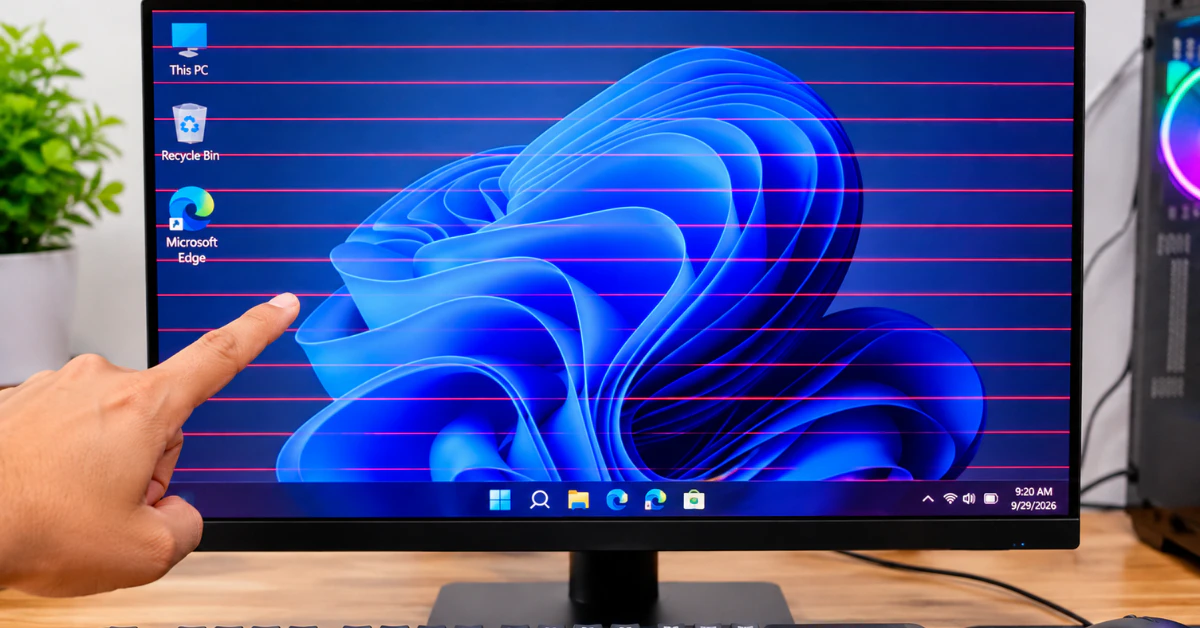
How to Fix Red Lines on a PC Screen (Software vs Hardware Test)

Red lines on a PC screen usually come from one of three things: a software glitch, a loose or bad cable, or a failing part like the screen or graphics card. This 60-second test shows if yours is a temporary glitch. If they are gone, it was probably a temporary glitch. If they stay, keep […]

Continue Reading
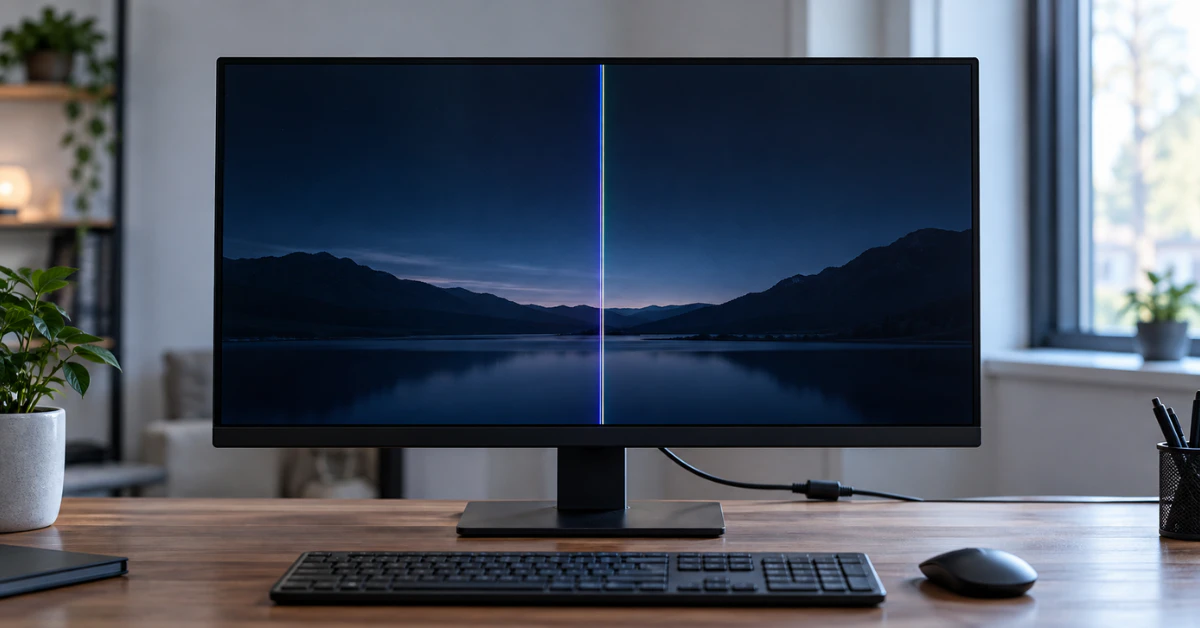
LCD monitor on a wooden desk showing a thin vertical white line on a dark screen

LCD Monitor White Lines: Diagnostic Guide & Step-by-Step Fixes

Here’s the fastest way to find out what’s wrong. Unplug the video cable (HDMI or DisplayPort) from your computer, but leave the monitor turned on. Look at the screen. If the white line is still there on the “No Signal” screen, the problem is inside your monitor. If the line disappears, your cable, computer, or […]

Continue Reading
Laptop screen showing thin colored lines across the display while a person looks at it, puzzled

Why Does My Mac Screen Have Lines? (And How to Fix It Fast)

Lines on your Mac screen are usually caused by one of two things: a small software or graphics glitch, or a hardware problem like a worn display cable or a failing panel. Both horizontal and vertical lines can show up this way, whether they stay still or flicker on and off. If your screen has […]

Continue Reading
Laptop screen showing flickering horizontal lines on a wooden desk

How to Fix Flickering Horizontal Lines on a Laptop Screen (The 60-Second Diagnostic Guide)

Seeing flickering horizontal lines on your laptop screen? Press Windows key + Ctrl + Shift + B right now. Your screen will blink and you’ll hear a short beep. This restarts your display driver without a full reboot. If the lines and flicker vanish, you just fixed a software glitch in under five seconds. If […]

Continue Reading
Desktop monitor on a desk showing a single bright vertical line down the screen

Vertical Lines on Your Computer Monitor? Try This 5-Minute Diagnostic & Fix Guide Before Buying a New Screen 

Push both ends of your video cable in firmly first. Still there? Unplug the video cable from the back of the monitor, but leave the power cord plugged in. Look at the floating “No Signal” box. If the line still shows up inside that box, your monitor panel has a hardware fault. If that box […]

Continue Reading
MacBook screen showing a visible black vertical line defect

How to Fix a Black Line on a Mac Screen (Before Paying for Repair) 

A black line on your Mac screen almost always comes from one of two places: the display hardware itself, or something happening in software or the graphics chip. You can find out which one in under a minute. Take a screenshot of your screen. Then open that screenshot and look closely, or move it to […]

Continue Reading
White horizontal line visible on smartphone screen

How to Fix White Horizontal Lines on Your Phone Screen (Android & iPhone)

A white line just showed up on your screen, and you are probably staring at it right now, panicking. Take a breath. White horizontal lines on phone screen are usually caused by a hard drop, water damage, or a loose cable inside your device. Some cases are simple software glitches you can fix in minutes. […]

Continue Reading