
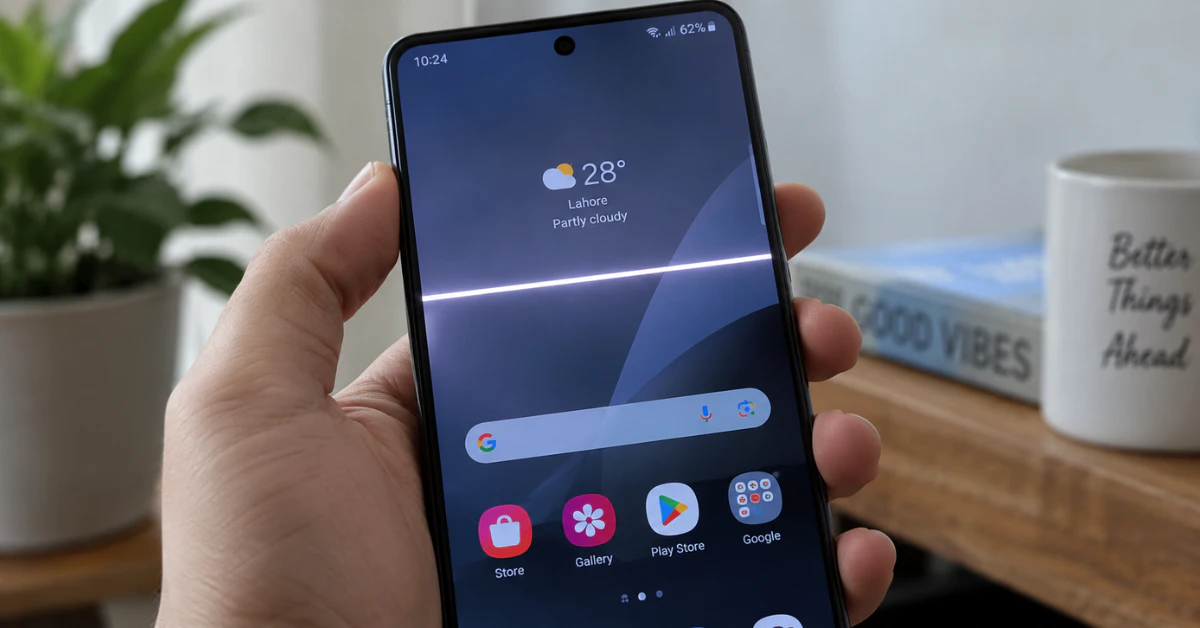
A white line just showed up on your screen, and you are probably staring at it right now, panicking. Take a breath. White horizontal lines on phone screen are usually caused by a hard drop, water damage, or a loose cable inside your device. Some cases are simple software glitches you can fix in minutes. Others mean the screen itself needs repair. Either way, you are not stuck.
This guide walks you through what really causes the problem and how to tell the difference between a quick fix and a real hardware issue. You will learn a simple test that tells you the truth in under two minutes. No guessing games, no wasted money on the wrong fix.
Let’s figure out exactly what your phone is trying to tell you.
Why Are There White Lines Across My Screen? (Main Causes)
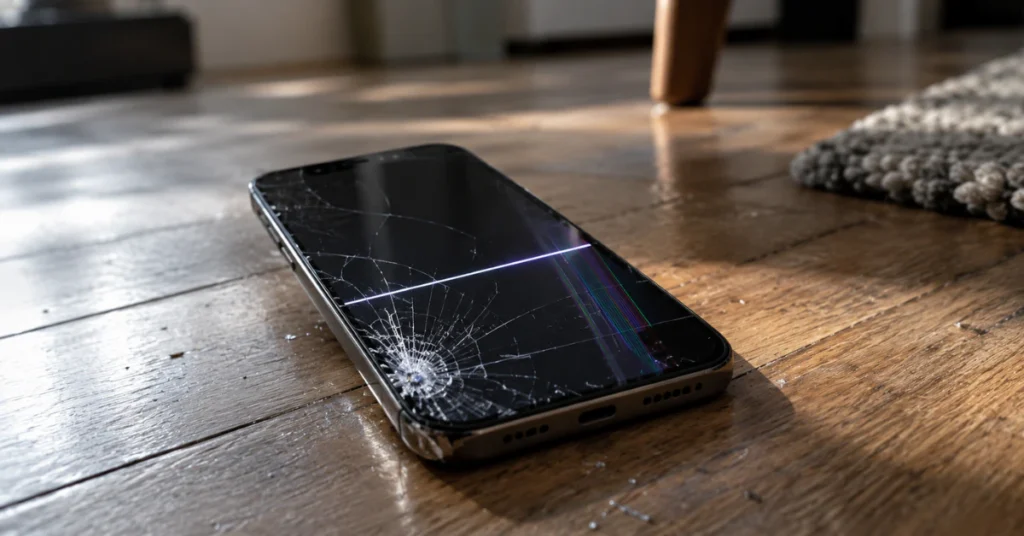
So what causes horizontal lines on phone screen displays in the first place? Most of the time, it comes down to physical damage inside your device. The screen shows a line because something under the glass got hurt.
Here are the four main reasons this happens.
Physical Impact (Dropping the Phone)
A hard drop is the number one cause. Even a small fall can crack the internal pixel structure. The glass may look fine, but the layers underneath get damaged. That damage often shows up as a straight white line.
Extreme Pressure (Sitting on the Phone)
Sitting on your phone or shoving it into a tight pocket puts pressure on the screen. This pressure can bend the display panel just enough to break its internal wiring. You do not need a visible crack for this to happen.
Water or Moisture Damage
Water is sneaky. It can seep in through small openings and corrode the display flex cable over time. This cable connects your screen to the motherboard. Once it corrodes, lines start to appear.
Software Glitches (Rare but Possible)
Sometimes a buggy app or a failed update causes a temporary line. This is rare, but it does happen. The good news is that software issues are usually fixable at home.
This problem does not care what phone you own. Samsung Galaxy flagships use OLED panels, and modern iPhones do too. Older phones and budget Android models often use LCD screens. Both screen types can develop these lines, though the reasons behind the damage can differ slightly.
The 5-Second Trick: Hardware vs. Software Test
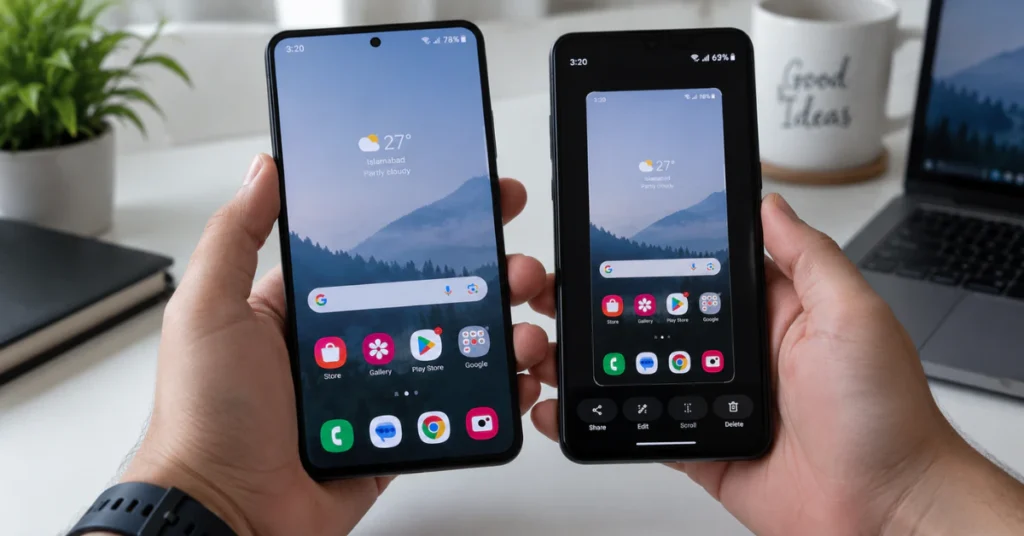
Before you spend a dollar on repairs, try this test. It takes five seconds and tells you the truth right away.
Take a screenshot of your screen, line and all. Now open that screenshot and zoom in on it. Better yet, send it to another device and look at it there.
- Line disappears in the screenshot? Your hardware is damaged. The screen itself needs repair.
- Line still shows up in the screenshot? It is a software glitch. Your display is fine.
This works because a screenshot only captures what your software renders. It cannot capture a physical crack in the panel. So if the line vanishes in the image, the problem lives inside the glass, not the code.
Here is a quick comparison to help you spot the difference:
| Hardware Damage Symptoms | Software Glitch Symptoms |
| Line missing from screenshot | Line visible in screenshot |
| Line stays after restart | Line may disappear after restart |
| Often follows a drop or spill | No clear physical trigger |
| Line may spread over time | Line usually stays the same size |
How to Fix Horizontal Lines on Phone Screen (Android Guide)
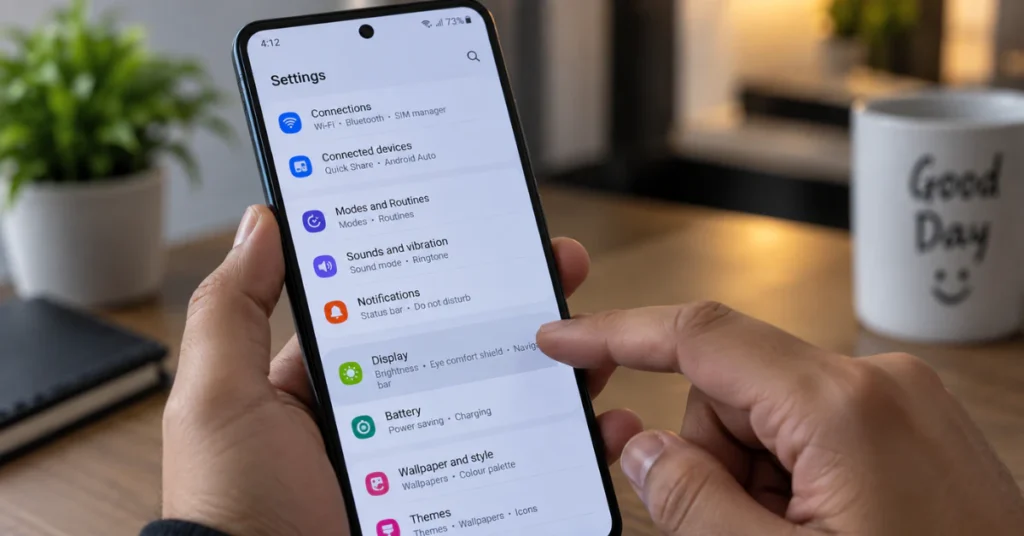
If your screenshot test showed a software issue, try these steps in order. Each one takes just a few minutes.
Force Restart Your Phone
This is the fastest fix and it solves more problems than you would expect. Press and hold the Volume Down button and the Power button at the same time for about 10 seconds. Your phone will shut off and restart on its own. This clears out any temporary glitch that may be causing the line.
Boot Into Safe Mode
A rogue third-party app can sometimes mess with your display output. Safe Mode loads your phone with only the built-in apps running, so you can see if a downloaded app is the real problem.
To enter Safe Mode:
- Press and hold the Power button until the menu pops up.
- Press and hold “Power Off” until you see the option for Safe Mode.
- Tap it to confirm.
If the line disappears in Safe Mode, one of your apps is the culprit. Uninstall anything you added recently, starting with the newest app first.
Check for Software Updates
Outdated software can sometimes cause display bugs. Go to Settings, then System, then Software Update, and install anything pending. You can also check Android’s official support page for guidance on managing updates safely.
This covers what causes horizontal lines on phone screen Android devices most often. If you own a Samsung, the same steps apply. What causes horizontal lines on phone screen Samsung models usually comes down to the same hardware and software factors, though Samsung’s OLED panels can be a bit more sensitive to pressure damage.
If you tried all three steps and the line is still there, it is hardware. At that point, stop trying software fixes. Take your phone to a trusted repair center like Carlcare, which specializes in Android screen repairs, and get a professional diagnosis before it gets worse.
How to Fix White Lines on iPhone Screen Safely
iPhones have their own set of fixes, and they work a bit differently than Android. Here is what to try, in order.
Force Restart Your iPhone
On Face ID models, this is a three-part move. Press and quickly release the Volume Up button. Then press and quickly release the Volume Down button. Now press and hold the Side button until the Apple logo shows up. Let go once you see it.
This simple reset fixes a surprising number of display glitches. It costs nothing and takes less than a minute.
Reset All Settings
This step scares people, but it should not. Resetting all settings does not touch your photos, apps, or files. It only clears out your system preferences, like Wi-Fi passwords and display settings, which can sometimes get stuck and cause visual bugs.
Go to Settings, then General, then Transfer or Reset iPhone, then Reset, then Reset All Settings. Your phone will restart, and your data stays exactly where it was.
Update Your iOS Version
An outdated iOS can carry small bugs that affect your display. Go to Settings, then General, then Software Update. Install anything available.
Now, a word of caution. What causes horizontal lines on phone screen iPhone models often comes down to the screen technology itself. Every iPhone from the X onward uses an OLED panel. These panels are beautiful, but they are also delicate. A small drop or a bit of moisture can damage them in ways that no software fix can repair.
If you tried all three steps above and the line is still there, your screen has hardware damage. Do not keep restarting your phone hoping it will fix itself. Get it looked at by a professional instead.
White Line on Phone Screen Repair Cost & LCD vs OLED
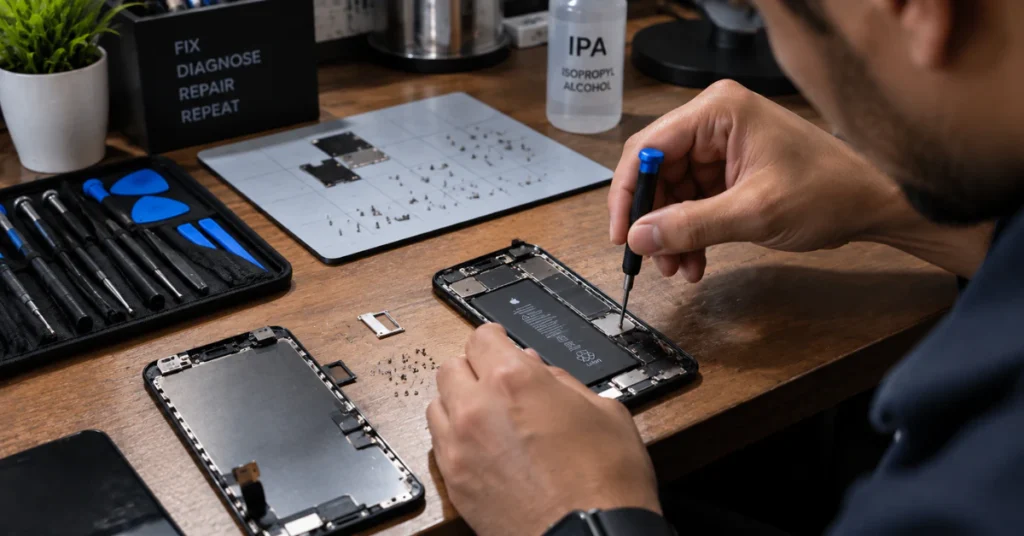
Let’s talk money, since that is probably on your mind too. White line on phone screen repair cost depends a lot on what kind of screen your phone has.
LCD Screens (Older or Budget Phones)
LCD panels are simpler and cheaper to make. If your phone uses one, you can often get it replaced for under $100. Parts are widely available, and most local repair shops can handle the job in an hour or two.
OLED Screens (Modern Flagships)
OLED panels are a different story. Phones like the iPhone 16, iPhone 17, and Samsung Galaxy S-series flagships all use OLED displays. These panels cost more to make and more to replace. Expect to pay anywhere from $200 to $400 or more, depending on your exact model.
Why You Cannot Just Replace the Glass
Here is something a lot of people get wrong. A white line means the internal pixel structure is damaged, not just the outer glass. Replacing only the glass on top will not fix anything. The line lives underneath, in the actual display panel.
That means the repair shop has to swap out the entire screen assembly, not just a cracked cover. This is exactly why OLED repairs cost more. You are not just paying for glass. You are paying for a full panel that lights up every single pixel on its own.
Are Horizontal Lines on Phone Screen Fixable? (Final Verdict & FAQs)
Here is the honest answer. Yes, horizontal lines are fixable, but about 90% of the time, the fix means a professional hardware replacement. Software tricks only work if the problem is software. If you ignore a hardware line, it usually spreads and can lead to a fully dead screen.
Can phone LCD damage be fixed?
Yes. A damaged LCD panel can be replaced by a repair shop, usually for under $100 depending on the phone model.
How to get rid of the white lines on screen?
Try a force restart first. If the line stays, the display panel is damaged and needs professional replacement.
Will the lines get worse over time?
Yes, in most hardware cases, the line spreads wider or multiplies until the screen fails completely.
Does putting the phone in rice fix water damage lines?
No, rice does not repair a corroded flex cable or damaged pixels; only a professional repair can fix that.
Can I keep using my phone with a line on it?
Yes, for now, but the damage usually gets worse, so a repair is safer sooner than later.
Does a screen protector prevent these lines?
It helps against scratches but will not stop internal damage from a hard drop or heavy pressure.