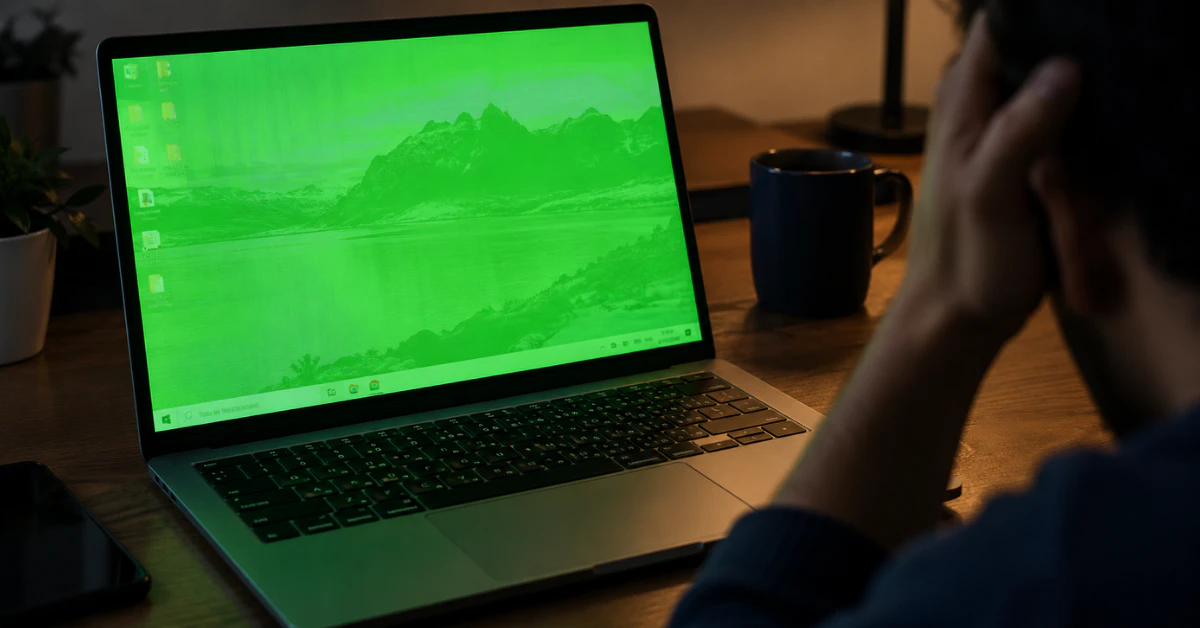
Laptop screen displaying green tint instead of normal colors

The Ultimate Diagnostic Guide to Fixing a Green Laptop Screen 

A green tint across your whole screen is usually caused by your graphics driver, and it’s the easiest problem to fix. Green lines or patches that shift when you tilt the screen point to a loose display cable instead, which is a hardware issue. A screen that’s solid green from the moment you turn the […]

Continue Reading
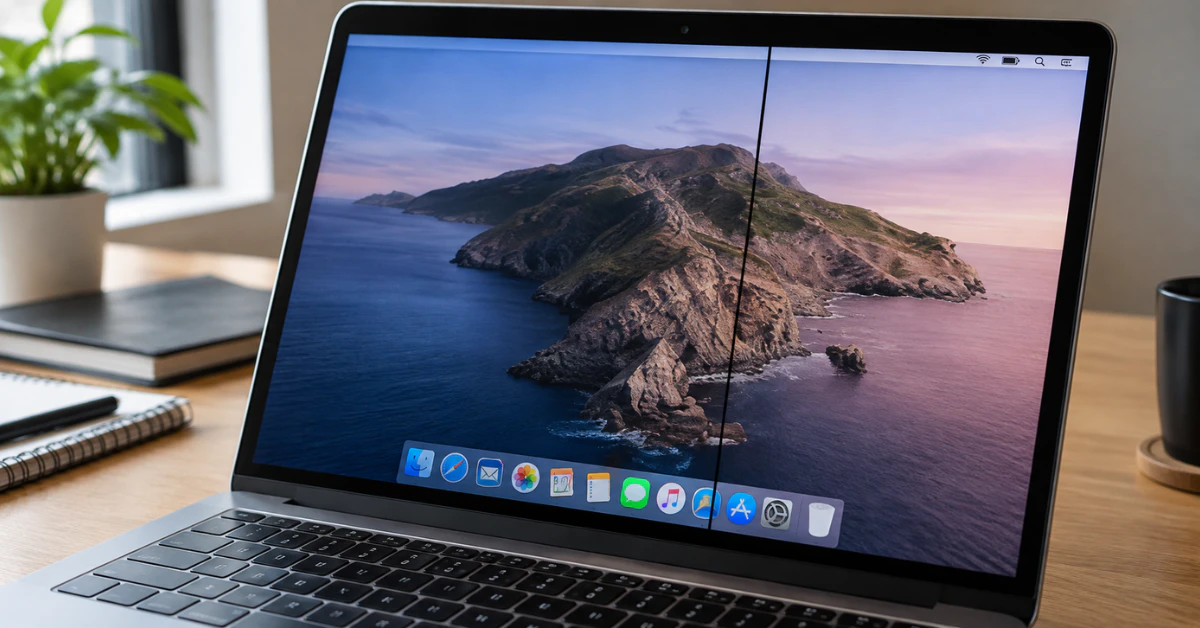

MacBook screen showing a visible black vertical line defect

How to Fix a Black Line on a Mac Screen (Before Paying for Repair) 

A black line on your Mac screen almost always comes from one of two places: the display hardware itself, or something happening in software or the graphics chip. You can find out which one in under a minute. Take a screenshot of your screen. Then open that screenshot and look closely, or move it to […]

Continue Reading
ipad screen bright white spot

The Ultimate Guide to iPad White Spots: Real Causes, Myths, and Safest Fixes

A bright or white spot on your iPad screen can be worrying, especially if it shows up out of nowhere. The good news is you can often tell what’s going on in under a minute. A bright spot on an iPad screen is usually a hardware problem, not a software glitch. It often comes from […]

Continue Reading
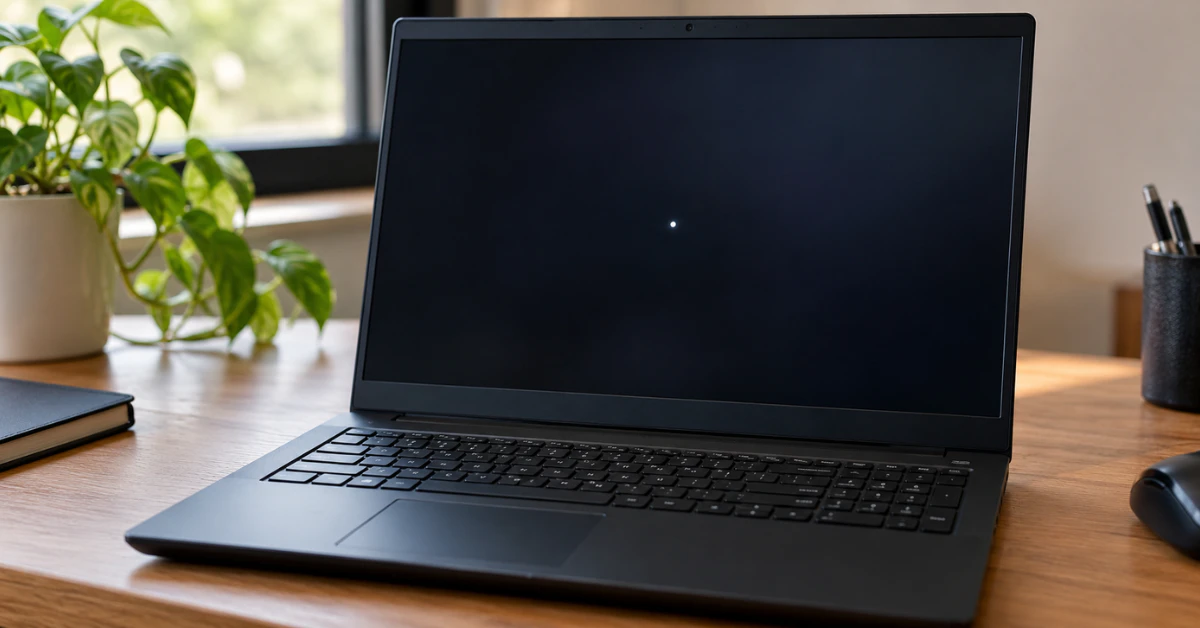
Black Lenovo laptop on a wooden desk with a small bright white spot on the dark screen

The Complete Guide to Fixing a White Spot on Your Lenovo Laptop Screen

A white spot on your Lenovo laptop screen is usually one of five things: a stuck pixel, a small patch of backlight bleed, dust trapped under the panel, pressure damage, or a loose display cable. Good news first. If it is a stuck pixel, you can often fix it at home in minutes using free […]

Continue Reading
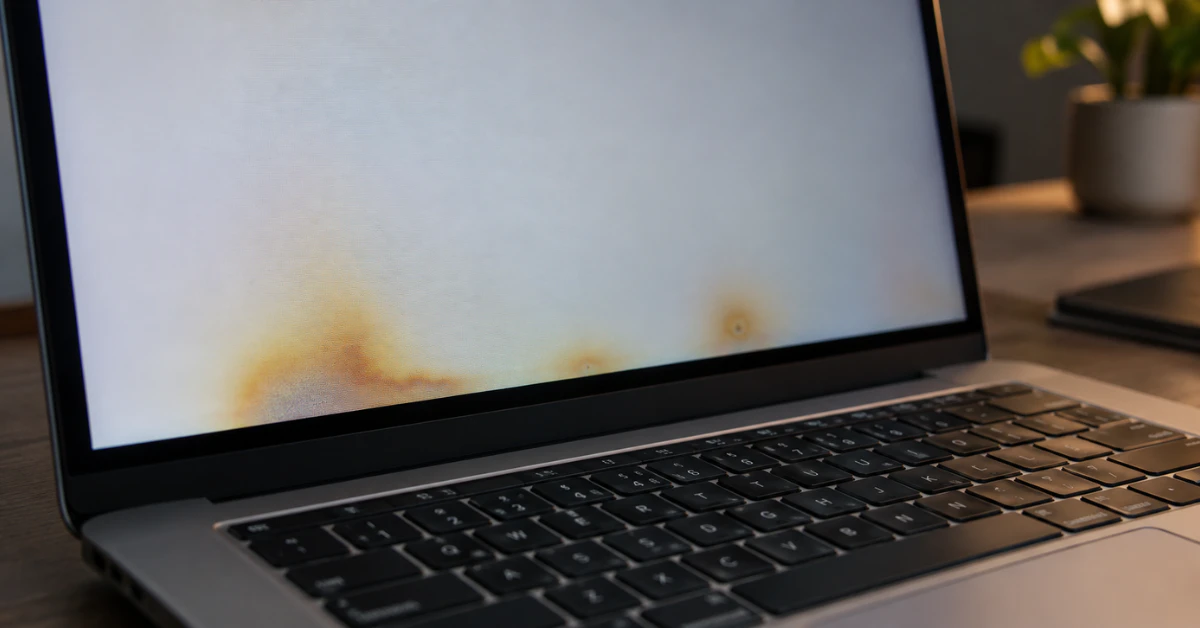
MacBook Pro screen showing yellow heat damage blotches

MacBook Pro Screen Heat Damage: An LCD Mechanic’s Guide to Signs, Causes & Fixes

Heat damage on a MacBook Pro screen usually shows up as yellow blotches, dark smudges, or faint vertical lines that won’t wipe off. In most cases, this damage is permanent once the LCD layer or T-CON board gets cooked from the inside. A cracked screen you can fix. A heat-damaged one, you usually can’t. I’ve […]

Continue Reading
MacBook screen showing white tint issue

MacBook Screen White Tint? The Ultimate $0 Fix & Brutal Truth 

Your MacBook screen looks pale, washed out, or almost white? Start by checking True Tone and Night Shift in System Settings, since those are the most common causes of macbook screen white tint. If turning them off doesn’t help, restart into Safe Mode to rule out a software conflict before assuming the display itself is […]

Continue Reading
White horizontal line visible on smartphone screen

How to Fix White Horizontal Lines on Your Phone Screen (Android & iPhone)

A white line just showed up on your screen, and you are probably staring at it right now, panicking. Take a breath. White horizontal lines on phone screen are usually caused by a hard drop, water damage, or a loose cable inside your device. Some cases are simple software glitches you can fix in minutes. […]

Continue Reading
White Spots on LCD Screen: The Real Causes & How to Fix Them (2026 Guide)

White Spots on LCD Screen: The Real Causes & How to Fix Them (2026 Guide)

Those white spots on your LCD screen are not a virus or software glitch. They are a hardware problem inside your screen’s backlight layer. The good news: you can identify the cause fast, and one fix works almost every time. Your laptop or monitor uses layers of light and glass to show images. When something […]

Continue Reading